
Why an Inkless Pocket Printer Still Needs the Right Paper
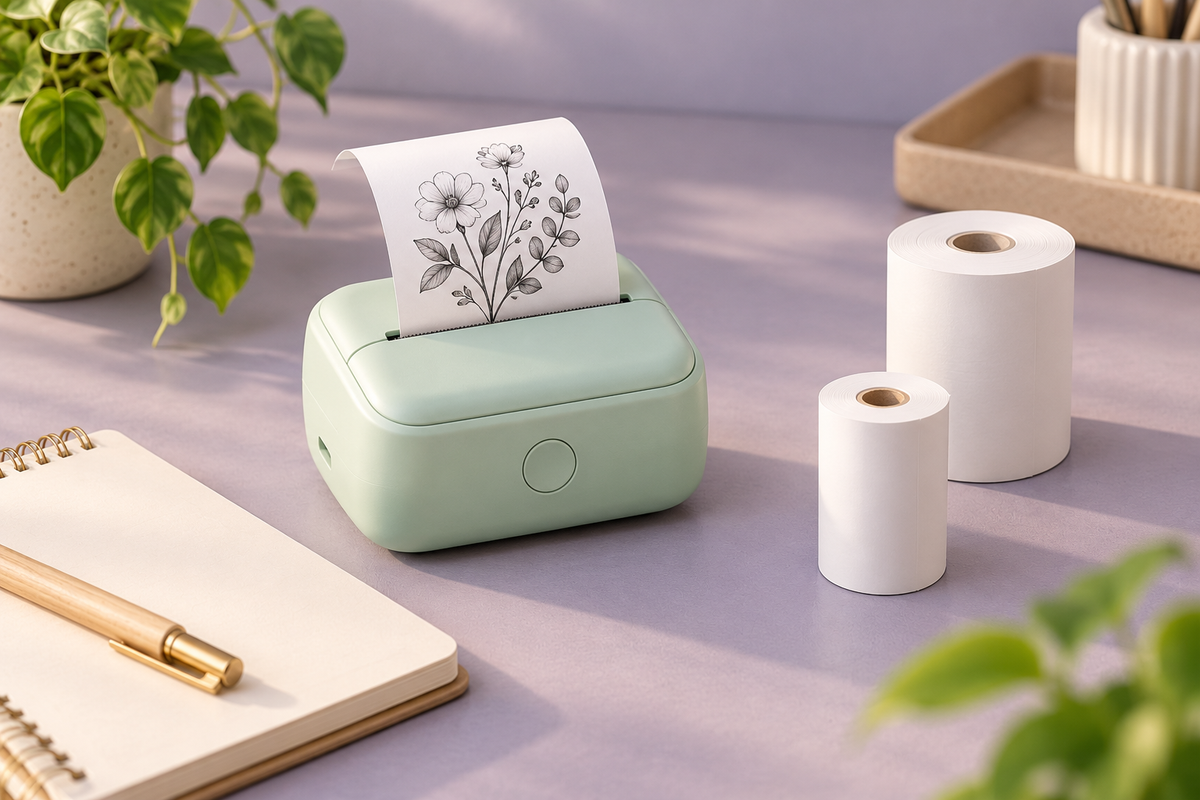
“Inkless” sounds as if a printer needs nothing except a charged battery and whatever paper is nearby. In practice, it tells you that the printing system works differently. The paper can be an essential part of how the image is produced.
Before buying refill rolls for a pocket printer, check the exact model's instructions. A roll that is the right width may still be the wrong material, diameter or format. Understanding those differences can save a stack of unusable refills.
Thermal is a family of printing methods
Zebra's explanation of thermal printing distinguishes two methods. Direct thermal printing uses heat-sensitive media that changes when the printhead heats it. Thermal transfer uses a ribbon to transfer the image to the media.
Those are general technology descriptions, not evidence that every small printer supports both. A direct thermal model cannot be assumed to use thermal-transfer supplies, and an ordinary sheet of paper is not automatically a substitute for its approved media.
Check the printer manual and refill description together. If the listing only says “thermal,” ask which media type and refill identifier apply to that exact model before buying in bulk.
Width is only one dimension
Innaya Tech's Mini CAT Thermal Bluetooth Printer listing describes a 58mm printer compatible with Android and iOS for photos and labels. That short description does not establish every refill specification or supported paper format.
A roll also has an outside diameter and may have a core whose dimensions matter. Paper thickness and whether the media is continuous or divided into labels can be relevant too. Ask for the model's complete refill requirements rather than using “58mm” as a universal compatibility promise.
When you ask about refills, send the exact printer model and the refill you are considering. Ask the seller to identify a compatible refill part number and its complete dimensions. A clear answer is more useful than a general assurance that the roll works with “mini printers.”
Plain rolls and adhesive labels are different purchases
Decide what you want the finished piece to do. A note tucked into a journal does not need the same backing as a label attached to a storage bin. Check whether the printer supports the intended media and whether the refill is plain paper, self-adhesive stock or another specified format.
For labels, read the media supplier's surface and removal guidance. “Sticky” does not tell you whether it will remove cleanly from a painted cabinet, stay attached outdoors or tolerate a damp surface.
Start with a small compatible refill pack and a low-stakes sample. Avoid making an entire organizing system depend on an untested paper-and-surface combination.
A photo feature does not guarantee full-color output
A printer app may accept a color image even when the printer produces a limited-color or monochrome result. Check the stated output capability and examples from the exact model rather than assuming the phone preview is a promise of the final print.
At the same time, avoid the blanket claim that all thermal printing is black only. Zebra describes specialty thermal color technology using prepared media. That does not establish support for it in a different manufacturer's pocket printer.
For your own sample, try a simple drawing, a short heading and a photograph with clear light and dark areas. Compare the actual print with what you need. Small decorative prints and a full-color photo album are different goals.
Plan for the life of the printed image
Zebra's thermal-label guide asks buyers to consider the intended lifespan alongside exposure to temperature, abrasion, chemicals and outdoor conditions. Its industrial-media examples are not durability specifications for an unrelated pocket-printer refill.
Keep important information in its original digital form or another suitable durable record. A convenient print can be a working copy without becoming the only copy of a receipt, address or meaningful photograph.
Follow the paper supplier's storage guidance for unused rolls and finished prints. Do not assume a refill described as thermal is automatically archival, weatherproof, food-contact suitable or appropriate for safety labels.
Make the first refill a small test
Save the printer model, approved media description and refill identifier in a note. Add the roll dimensions, backing type and the result of your sample. That makes the second purchase simpler and helps avoid mixing similar-looking rolls.
If a print comes out blank or feeds poorly, follow the model's troubleshooting instructions. Do not change hardware, force the lid closed over an oversized roll or assume every problem is a battery issue.
The advantage of a pocket printer is quick, convenient printing. Choosing the right consumable preserves that convenience. “Inkless” changes what you replenish; it does not remove the need to match the paper to the printer and the job.
Cover: original editorial illustration of a generic printer, not a Mini CAT product photograph.
Get the next guide first
Join the Future List for new-drop alerts, setup guides and 10% off your first order.


