
Will That M.2 SSD Work in Your Enclosure? Check More Than Its Length
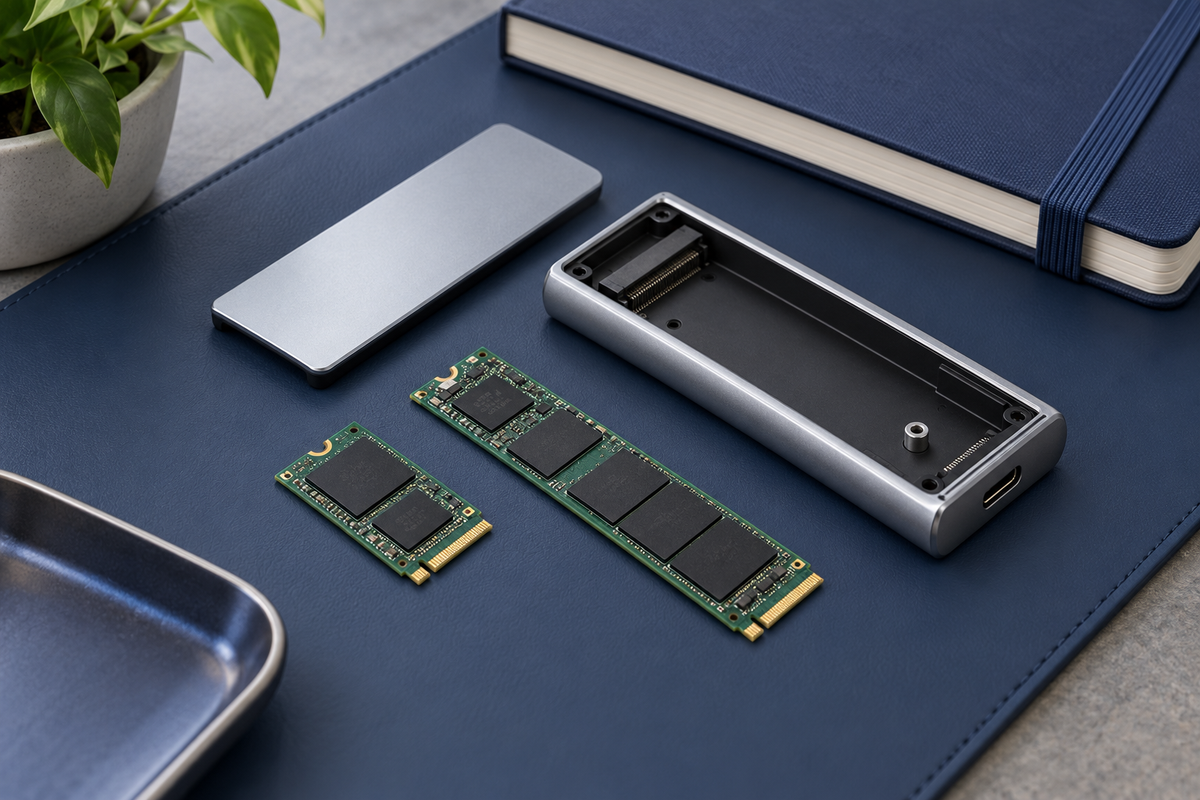
An old laptop SSD and a new USB-C enclosure can look like an obvious match. Both say M.2, and the drive appears small enough. Yet those two observations leave an important question unanswered: does the enclosure support the kind of drive you have?
Treat compatibility as several separate checks. The drive needs the right storage interface, supported dimensions and a suitable enclosure model. Only after those match is it worth comparing transfer-speed claims.
M.2 describes a shape, not one storage interface
M.2 SSDs can use different storage interfaces. A SATA M.2 drive and an NVMe/PCIe M.2 drive are not interchangeable simply because both are narrow circuit boards. An enclosure described as NVMe-only should not be assumed to accept a SATA drive.
Find the SSD's complete model number and look up its manufacturer's specification. If the listing you saved says only “M.2 SSD,” it has not answered this question. Look for the actual interface description, then compare it with the enclosure's supported-drive list.
The notches on the edge connector are another physical compatibility clue, but not a substitute for that specification. Kingston explains that a B+M-key drive can fit certain sockets while still needing the correct protocol support. Its M.2 SSD FAQ also separates the size codes from the interface.
Read 2230 and 2280 as dimensions
In these common M.2 SSD codes, the first two digits give width in millimeters and the remaining digits give length. A 2230 drive is 22 × 30 mm; 2242 is 22 × 42 mm; 2280 is 22 × 80 mm.
That makes the shopping question concrete. “Supports M.2” is less useful than “supports my drive's exact length.” A shorter enclosure may have no space for a longer board, and the correct retaining position matters even when a board looks small enough. Do not plan on modifying a drive, leaving it unsecured or forcing a cover shut.
The model name after the brand matters
Two enclosures from the same manufacturer can have different compatibility lists. For example, Dockcase's published specifications for its 100W PD MagSafe enclosure, model DSWC1R-3B, name 2230 and 2242 NVMe/PCIe drives. The comparison on that page lists a different range of lengths for its Explorer model.
That is an example of why specifications belong to a model, not a brand. It does not establish the supported lengths for every Dockcase enclosure or for another version with a similar product photo.
Innaya's MagSafe SSD enclosure listing identifies the offered version as silver with 15W pass-through and states that an M.2 NVMe SSD is required and not included. It asks buyers to check supported length in the product images. If the selected variant's length information is unclear, get confirmation for that exact version before ordering the drive. Do not borrow the 100W model's specifications to fill a gap.
Use a two-column comparison before checkout
A short note with “my SSD” on one side and “this enclosure” on the other is more helpful than comparing product titles. Fill in these fields from the actual model documents:
- Interface: the SSD's SATA or NVMe/PCIe specification and the enclosure's explicit support.
- Dimensions: the complete size code, plus any enclosure limits on board thickness, single- or double-sided drives, or attached heatsinks.
- Capacity: the capacity of the drive you plan to use and any capacity limit stated for that enclosure.
- Model and variant: the full identifiers, rather than a family name or a review of a different version.
Mark missing information as “unconfirmed,” rather than guessing. For a question to the seller, provide the SSD model number and enclosure variant together. “Will this exact pair work?” is a question someone can resolve; “does it take M.2?” may simply repeat the broad product category.
Keep compatibility separate from speed and setup
A drive that is compatible is not a promise of a particular real-world transfer speed. Check the enclosure's connection requirements alongside the computer or phone and cable you intend to use. An advertised interface figure is not a measured result for your complete setup.
When comparing hubs and related accessories in our Computer & Storage collection, use the same model-by-model checks rather than assuming that a shared connector means a matching specification.
Finally, decide whether you are adding a new blank drive or reusing one containing files. Preserve important data before making changes. A prompt to initialize or format a drive is not a compatibility test to accept casually. Stop and review the drive and operating-system instructions if the contents matter.
The simplest buying rule is to match the exact drive to the exact enclosure first. Shape, protocol and model-specific support should agree before a fast-looking number or a magnetic mount settles the purchase.
Illustration is conceptual; it does not depict a verified compatible drive-and-enclosure combination.
Get the next guide first
Join the Future List for new-drop alerts, setup guides and 10% off your first order.


