
Where to Put a Room Temperature Sensor: A Practical Placement Check
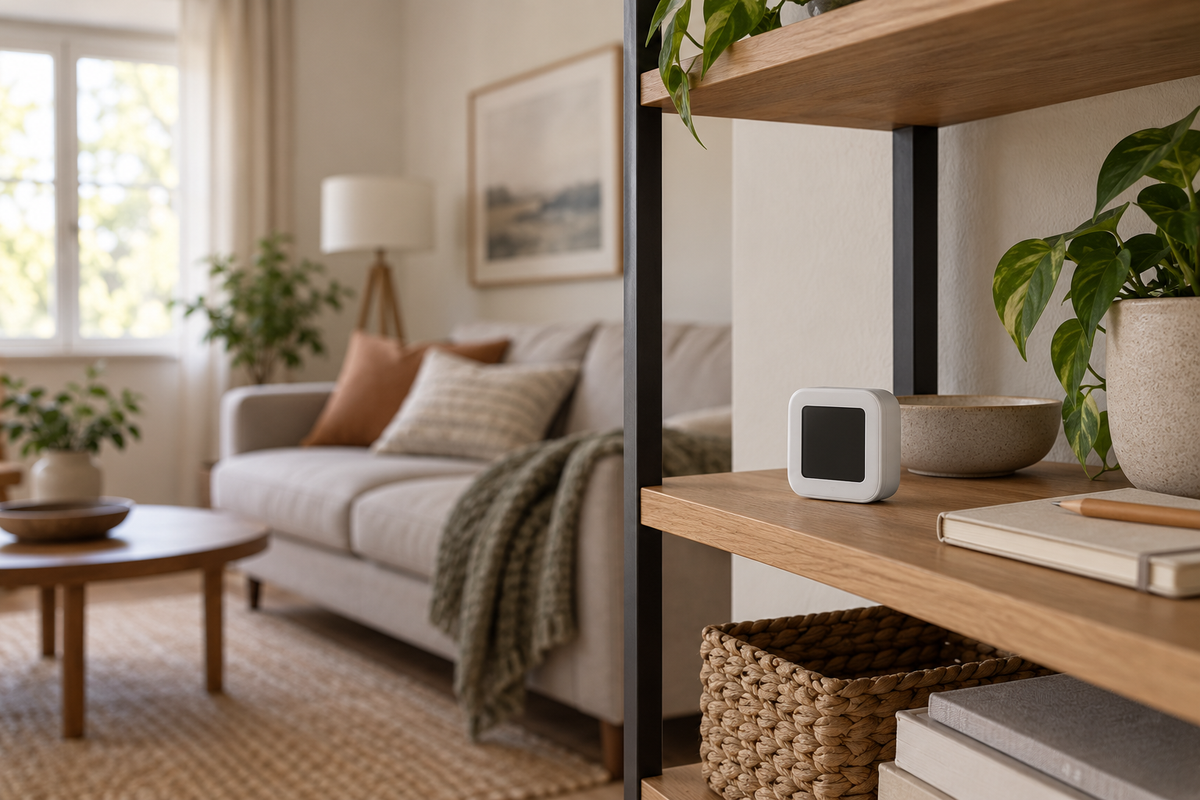
A room sensor gives you a number for the place where it sits. Put it beside a warm lamp, in direct sun or in an unusual pocket of air, and that number may not describe the part of the room you care about.
Before sticking a sensor to the wall, decide what question you want it to answer. Are you comparing the desk area with the rest of the room, watching everyday changes in a spare bedroom or simply checking what happens when a window opens? A clear purpose makes the placement decision much easier.
Start with the sensor's own instructions
Find the exact model and read its placement, mounting and operating-environment requirements. Check whether it is intended for indoor use, what powers it and what the maker says about moisture exposure. A temperature range alone is not permission to leave a device outdoors or put it where it may get wet.
Also identify how readings reach the app. Wi-Fi, Bluetooth and hub-based products have different setup requirements. The SmartLife WiFi Temp & Humidity Sensor listing describes Wi-Fi and app monitoring, but you should confirm the supplied model's network, power and reporting instructions before choosing its permanent position.
Keep those instructions beside your placement notes. Do not borrow another manufacturer's accuracy specification or assume that a similar-looking device refreshes at the same interval.
Choose a spot that represents the room
For an everyday room check, look for a location near the area you use, with the clearances and orientation the manufacturer requires. Keep the sensing openings unobstructed. An open position is easier to assess than a sensor tucked behind books or inside a decorative box.
As a manufacturer example, Aqara's placement guidance advises avoiding direct sunlight, heating vents and drafty windows. Those are useful conditions to notice when surveying a room, while the instructions for your own sensor remain the reference for its installation.
Look at the spot at more than one time of day. A shaded shelf in the morning may receive afternoon sun. Note nearby lamps, electronics, radiators, doors and windows so you understand what could influence the location you chose.
Check that the reading is current
A sensible physical position still needs a working connection. After the normal setup process, check the device's status and any last-updated time the app provides. Follow the manufacturer's instructions for confirming communication from the intended location.
Do not assume a number is live simply because the app opens successfully. Learn what the app shows when the device is offline, its battery is low or a reading has not changed. If its reporting schedule is unclear, ask the maker rather than treating every unchanged number as a fault.
Test the place where the sensor will actually remain, not only the spot beside the router where it was first configured. Keep mounting reversible during this initial check when the instructions allow that, so an unsuitable location is easy to change.
Keep a short observation note
Give the position a specific name, such as “living-room shelf beside the chair.” Record the date, approximate time, displayed temperature and humidity, and any obvious event such as an open window or direct sun reaching the area.
Repeat during ordinary use before deciding the sensor belongs elsewhere. The point is to understand the location, not to create a scientific calibration report. Do not invent an exact waiting period; use the maker's guidance for allowing readings to settle after handling or moving the device.
If you change the location, change one thing at a time and record it. Moving the sensor, changing app settings and opening a window together makes the next number difficult to interpret.
Investigate disagreements without guessing at calibration
Two devices in different parts of a room are not making the same comparison as two devices placed together. Before adjusting an offset, check units, location, update times and each manufacturer's stated accuracy and calibration instructions.
If you compare devices side by side, keep their sensing openings clear and allow the settling time their instructions require. Write down the difference and ask support if it exceeds what the documented specifications would lead you to expect. A second consumer sensor is not automatically a calibrated reference.
Avoid wetting, heating or chilling the sensor as an improvised test. Do not change a calibration setting just to make the display agree with the number you prefer.
Decide what the information is for
A basic indoor sensor can help you notice patterns in an ordinary room. It should not be treated as a substitute for a smoke or carbon-monoxide alarm, a medical device or monitoring required for safety-critical storage.
If you later use the readings in an automation, separately confirm device compatibility and safe behavior when readings stop updating. Start with a simple observation routine rather than assuming the sensor should control a heater or another appliance immediately.
A useful setup ends with four answers: why the sensor is there, whether the position follows its instructions, how you know the reading is current and where its documentation is kept. Once those are clear, the numbers are much easier to interpret.
Get the next guide first
Join the Future List for new-drop alerts, setup guides and 10% off your first order.


