
Before an Important Recording: Test Your Voice Recorder From Start to Export
A recorder is only useful if you can capture the audio, find it again and use it where you need it. Discovering a missing export option or an unclear recording indicator during an important conversation is avoidable. Test the complete workflow with something unimportant first.
A short sample of your own voice is enough to begin. Keep private information out of it, use the recorder's supplied instructions and separate the basic audio check from any optional transcription or summary features.
Define what a successful test means
Write down the result you need. Perhaps you want to replay a spoken note on the recorder, keep an audio file on your computer or review a transcript in a companion app. Those are different outcomes, and a product's recording-capacity figure does not answer all of them.
Identify the exact recorder, supplied accessories and official companion app, if one is required. Check the current instructions for charging, recording, saving and supported transfer methods. Do not install an app simply because its name resembles the one on a marketplace listing.
Our AI Voice Recorder & Note Taker listing describes onboard storage and app-based AI features. For any recorder with that arrangement, confirm the supplied model's app requirements, supported exports and current service terms before planning your workflow around them.
Record a sample that is easy to judge
Use a quiet place and read a few ordinary sentences at your normal speaking level. Include a short list, a number and a deliberate correction. For example: “The sample has three items: notebook, cable and headphones. The time is ten thirty. Correction: make that ten forty.” Keep the text beside you.
This gives you known material to compare with the result. You do not need a private call, a real meeting or another person's voice to find out whether you can start, stop and locate a recording.
A trial recording is also a manufacturer-recommended practice in conventional recorder guidance. Sony's ICD-BX140 recording guide recommends a trial or monitoring the recording and notes that rubbing or scratching the recorder can be captured as noise. Its button instructions are model-specific; follow your own recorder's controls.
Watch the start and save sequence
Identify the indicator that confirms recording is actually underway. A powered-on device is not necessarily recording. Follow the instructions for stopping and allowing the file to finish saving before disconnecting or powering anything down.
Note where the new recording appears and how its date or name is displayed. If the device offers several recording modes or destinations, record which one you used. Change one setting at a time if you repeat the test so the results stay understandable.
Listen to the beginning and end as well as the middle. Check that the first words are present, the ending was saved and the voice is understandable at normal playback volume. If the sample is poor, revisit placement and the documented recording settings before trusting a longer session.
Prove the transfer path
Next, use the supported method to copy, export or share the sample to the destination you actually need. That might be a local folder or a permitted app. Do not assume that seeing a recording inside an app means you also have a separate audio file.
Open the transferred copy at its destination and play it. Check the file name, duration and format shown. Make sure it is the audio you intended, rather than a transcript, shortcut or empty folder. Keep the original while checking the copy.
If the device does not support the export you need, ask the supplier before relying on it. A workflow that works only through a particular app may still suit you, but that should be a conscious choice rather than a surprise.
Check optional AI output against the audio
If you use transcription or summaries, process the harmless sample only after understanding where the audio goes and what the service does with it. Review the app's privacy information, account requirements and any current usage limits or charges.
Compare the transcript with the script and recording. Look particularly at the number, the list and the correction. Then compare any summary with the same audio. Treat an omitted correction or changed detail as something to review, not as a reason to replace the original recording with the generated text.
This is a workflow check, not a benchmark of every accent, room or conversation. Keep important names, numbers and decisions tied back to the source audio when reviewing real material.
Make a small readiness note
Record the working settings, start-and-stop indicators, save location and successful export destination. Keep that note brief enough to use before the next recording. Repeat the sample when an app update or changed accessory materially alters the workflow.
Before recording other people, obtain permission and follow the requirements of the setting and any relevant organization. Do not use a test to capture private material without consent. If the workflow is still uncertain, resolve it before the recording matters.
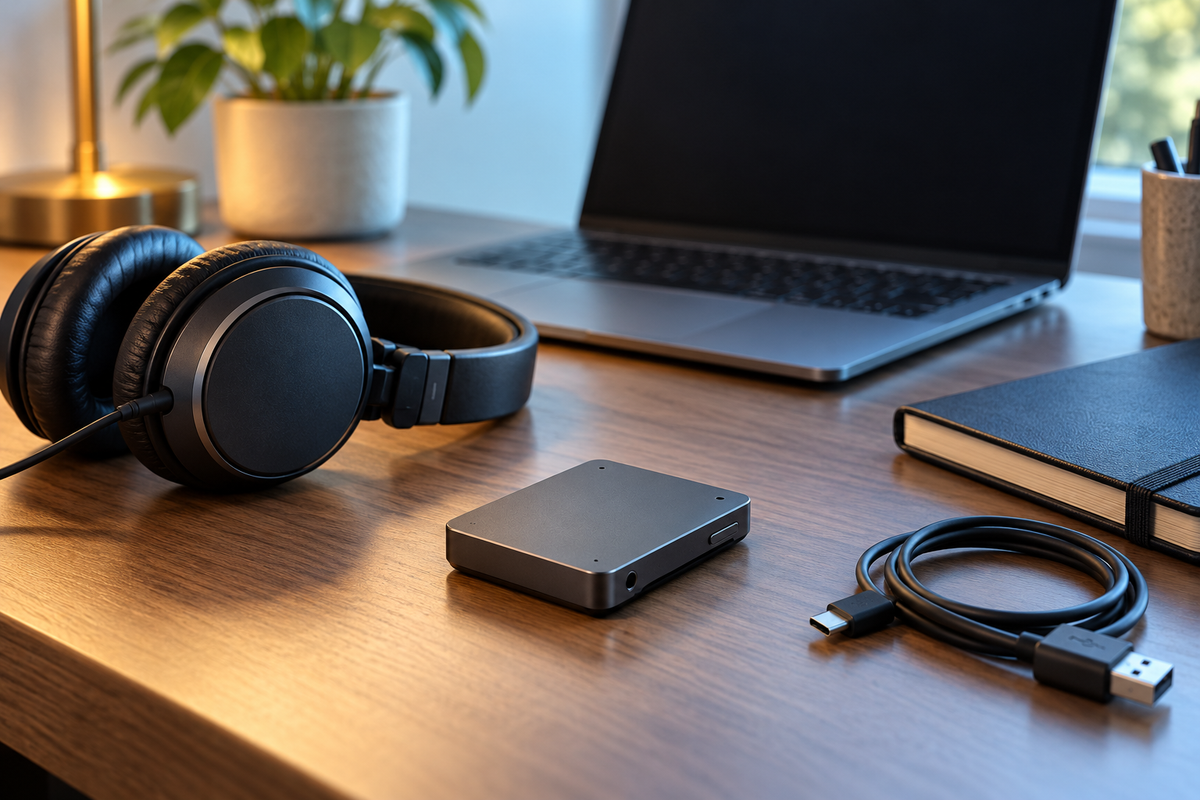
Cover: original editorial illustration of generic audio hardware, not an exact product or a real recording session.
Get the next guide first
Join the Future List for new-drop alerts, setup guides and 10% off your first order.


