
Will a Wireless Charging Station Work With Your Devices?
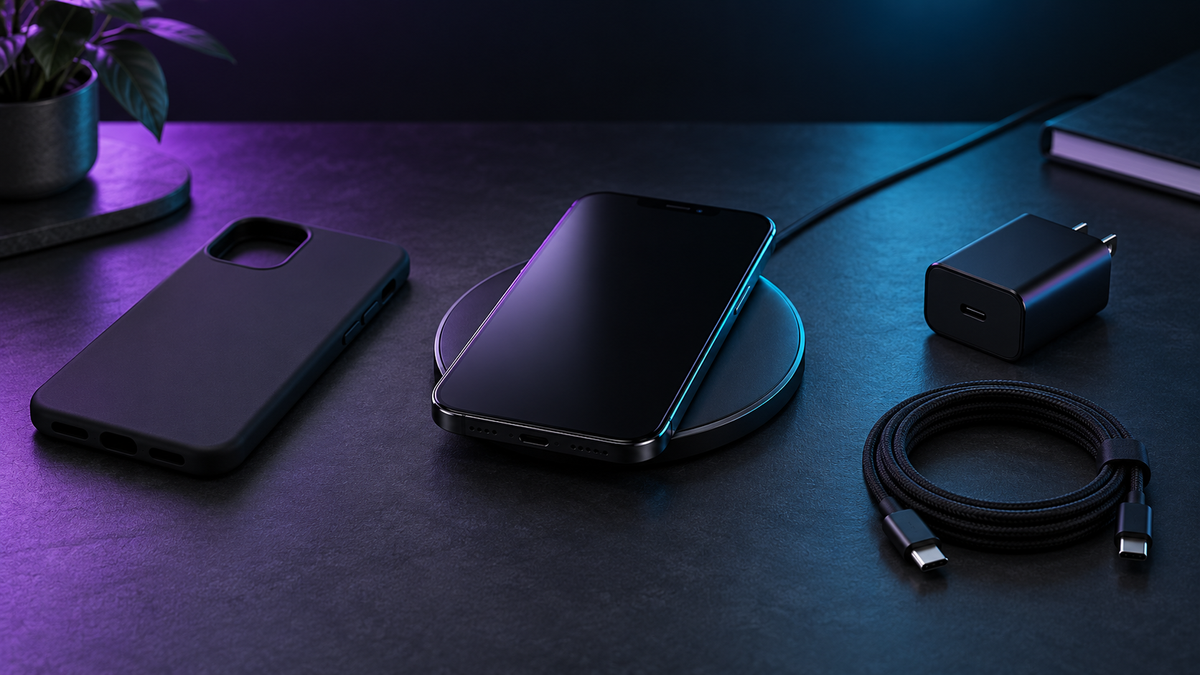
A charging station looks simple in a product photo: put down your phone, watch and earbuds, and wake up to charged devices. The useful question before buying is more specific: will every charging position work with the exact devices, cases and power adapter you already own?
A few minutes of checking can prevent a tidy-looking accessory from becoming another thing in the drawer. Use this checklist whether you want a basic pad, a magnetic stand or a multi-device station.
Start with model names, not just brand names
Make a short list of your phone model, watch generation and earbud case model. Find these in device settings or on the manufacturer's packaging. “Samsung phone” or “wireless earbuds” is not precise enough to establish charging compatibility.
Check the device manufacturer's specification page for wireless charging support. Bluetooth connectivity does not tell you how a device charges. Samsung's wireless-charging guide, for example, lists compatible devices and explains that speed and power vary by device. Follow the entry for your exact model rather than assuming all products in a brand share the same capability.
Save those model names in a note. They will also make a question to the charger seller much easier to answer.
Check each charging position separately
A three-position station should be treated as three compatibility checks. Confirm which phone models the main stand supports, which watch family the watch section accepts and whether your earbud case can charge on the remaining surface. Ask whether the watch charging module is built in or whether you must install your existing puck.
Read the detailed description, included-items list and manual together. If a photo shows three devices but the written information explains only the phone position, that is an unanswered question. Do not turn the picture into a specification.
In the Magnetic 3-in-1 Wireless Charger Station listing, compare the named device range with your own list. If your model is not named, get confirmation before ordering; a newer device is not automatically covered by an older compatibility list.
Separate a magnetic fit from verified compatibility
A magnetic attachment describes how something is held in place. It does not, by itself, answer every question about charging support, speed or certification. Record the exact standard or certification the seller claims, then check it rather than relying on a familiar-looking ring or product name.
The Wireless Power Consortium's certified-product database is the place to verify a Qi certification claim. Match the manufacturer and model information. A similar product name or a certificate for another model is not the same match. If you cannot locate the claimed product, ask the seller for its specific database entry.
Include the wall adapter in the plan
Find out whether a power adapter and cable come in the box. If they do not, record the input requirements from the station's instructions and the recommended adapter type. An accessory with a USB-C socket still needs the power source specified for that accessory.
Apple's wireless-charging instructions recommend the adapter supplied with the accessory or one its manufacturer recommends. They also advise placing the phone as the charger maker directs. A higher number printed on an unrelated adapter is not a substitute for that compatibility check.
For a multi-device setup, ask whether the advertised output describes one position or simultaneous use. Keep the answer with your purchase note so you know what you are testing when it arrives.
Make room for the case you actually use
Your everyday setup includes more than the bare phone. Note any wallet attachment, grip, stand or unusually thick case. Check whether those accessories must come off and decide whether you are comfortable doing that each time.
For iPhone users, Apple advises removing cards or similar sensitive items from between the phone and charger. Its guidance also suggests trying without a thick, metal or battery case if charging is slow or does not start. Consult your own device and case instructions for other models.
Measure the available desk or bedside space, including room to lift the phone away. Look at the charging indicator's location and whether it can be dimmed if light beside the bed bothers you. These small daily details can matter more than an extra decorative feature.
Test your normal routine when it arrives
Keep the packaging while you check the setup. Follow the manual, use the specified power supply and confirm charging on each device's own screen. Test one position at a time, then the intended combination. Use your normal case only when the instructions allow it.
Write down the device, adapter and case combination if something fails. That gives support a useful starting point. Before buying, your final note should answer four things: exact device support, required power supply, case compatibility and what is included. If any is still unclear, resolve it before checkout.
Get the next guide first
Join the Future List for new-drop alerts, setup guides and 10% off your first order.


